MAATI'S SMARTS
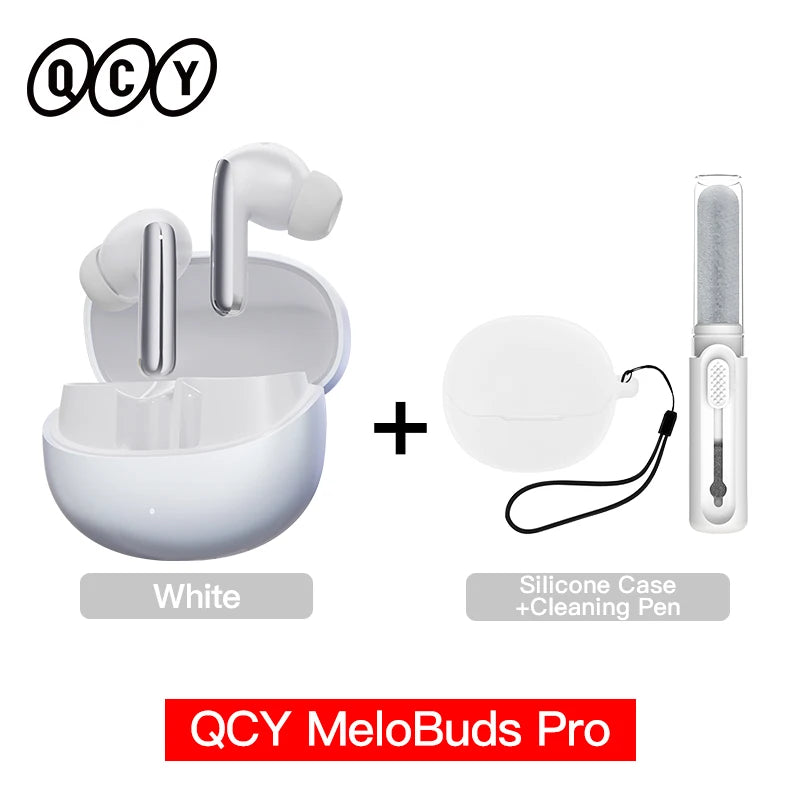
QCY MeloBuds Pro ANC Bluetooth 5.3 Earphones Wireless 46dB Hybrid ANC Hi-Res LDAC Earbuds 6 Mic Headphones 34H in-Ear Detection
QCY MeloBuds Pro ANC Bluetooth 5.3 Earphones Wireless 46dB Hybrid ANC Hi-Res LDAC Earbuds 6 Mic Headphones 34H in-Ear Detection
Couldn't load pickup availability
Experience premium sound with QCY Bluetooth 5.3 wireless earbuds featuring Active Noise Cancellation (ANC), LDAC Hi-Res audio, and up to 34 hours battery life with charging case. Designed for comfort with waterproof protection, clear microphone calls, and seamless dual device connection. Perfect for music, gaming, sports, work, and everyday use
There are 4 noise-canceling modes for different surroundings, and three levels for each mode for your choice. 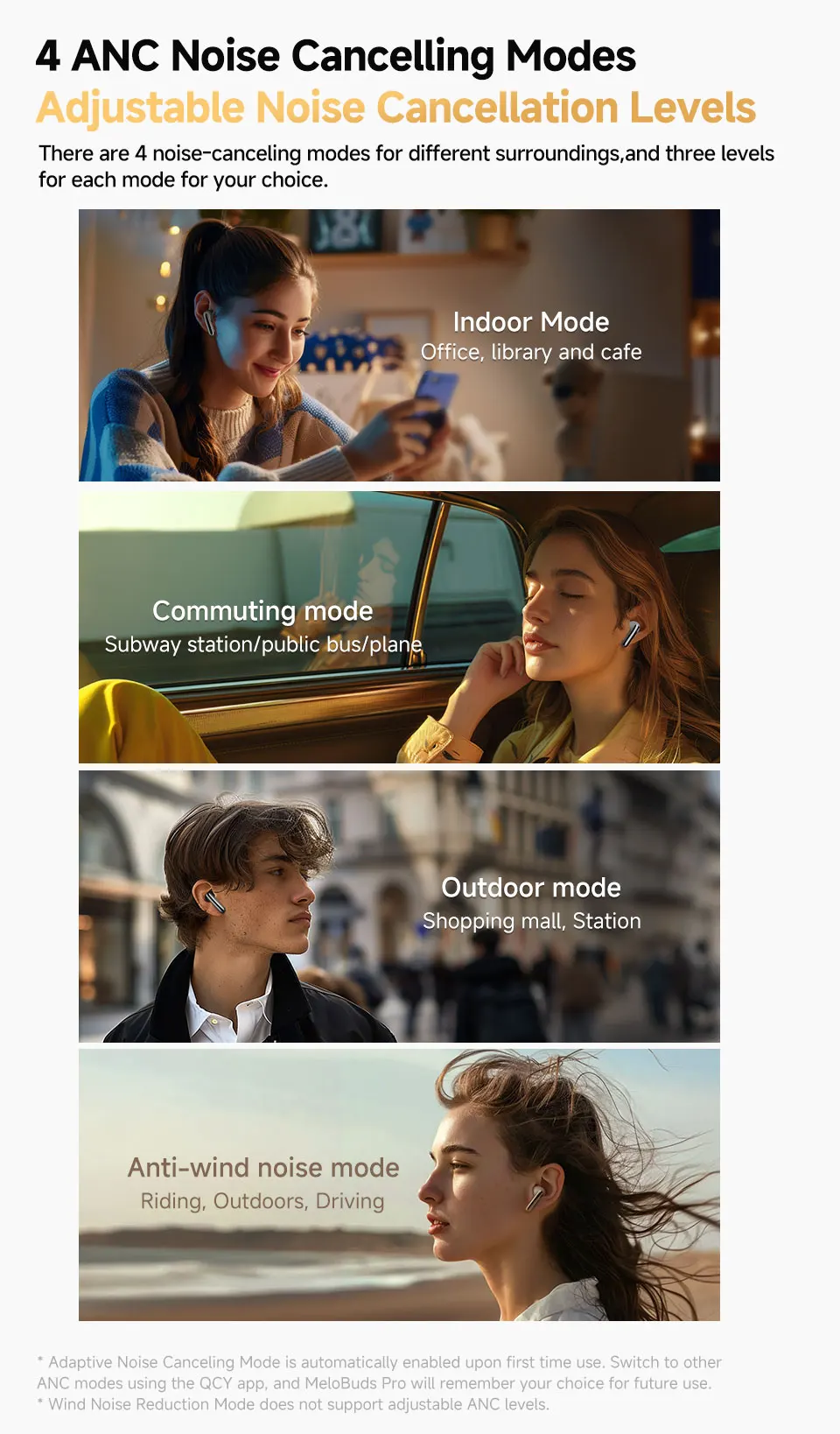
Stay aware with Transparency Mode and Vocal Enhance for easy conversations without removing your earbuds. Enjoy crystal-clear calls with 6 mics + ENC and smart voice pickup.
Smart in-ear detection auto plays/pauses your audio. Get up to 34 hours battery life, plus quick charge (10 min = 1 hour playtime).
With Bluetooth 5.3 and multipoint connection, switch بسهولة between two devices (LDAC must be off). Experience rich sound with 12mm drivers and 360° spatial audio.
Customize everything in the QCY App (EQ, ANC modes, controls, find earbuds).
Specs:
Bluetooth 5.3 | iOS & Android | 10m range | IPX5 waterproof | Type-C charging | Up to 8.5h per charge | 350mAh case battery
FAQ:
Q: What should I do if the headset received unable to turn on?
A: Confirm that the charging case has power left, press the button on the case and check if at least one LED is illuminated.
If charging case power off, please put the earphones in charge case and charging for 1 hour. Before charging, please Remove the stickers on new earphones.
Connect the case with your included USB cable and plug it into a USB power source.
Q: What should I do if Sound comes from only one earphone?
A: Put both earphones back into the charging case and close the cover, then take them out again to check whether both ears have sound. If only one earphone still has sound, please restore the factory settings for both earphones.
Q: How to solve the problem that the mobile phone prompts that it cannot connect?
A: Delete the pairing record on the mobile phone, and then search for pairing and connect again.
Q: How to solve the problem that there is no sound when listening to music or calling?
A: There is a settings icon on the right side of the Bluetooth connection name on Android phones. Click to enter, turn off the mobile phone audio and media audio, and then turn them on again. If there is still no sound, please re-pair the earphones with the mobile phone.
Q: Why is there a delay in video or games?
A: Affected by factors such as the use environment, network and mobile phone Codec, there will be different degrees of delay when the mobile phone transmits audio data to the earphone.
Q: How to solve the problem of stuck or intermittent sound?
A: If there are a lot of Wi-Fi, 5G or 4G signals, high-power electrical appliances around, it may cause stuck and intermittent sound. Please Change the environment or re-pairing can solve the problem.
Other Tips:
1. Before using the earbuds, please read the manual carefully and keep it for future references.
2. The earbuds need to be fully charged prior to first-time use.
3. lf the earbuds are left unused for over two weeks, please recharge.
4. Please use the chargers made by qualified manufacturer.
5. lf earbuds fail to be found by phone, please re-turn them connectable or restore factory settings.
6. lf a program error of phone occurs, please turn off and on Bluetooth function or reboot the phone.